Direct-to-film (DTF) printing has become a popular way to decorate T-shirts, hoodies and merchandise because it produces full-colour designs without screens and can work on light and dark garments. But a DTF printing machine is not one box you plug in. It is a workflow made of a printer, film, ink, powder, curing and a heat press, and each choice affects print quality, running cost and daily effort.
This guide is for Indian garment printers, custom T-shirt businesses, print shops and first-time buyers. Where a specification depends on the exact model, we say so instead of guessing. For model details, see our DTF printing machine specifications page.
1. What Is a DTF Printing Machine?
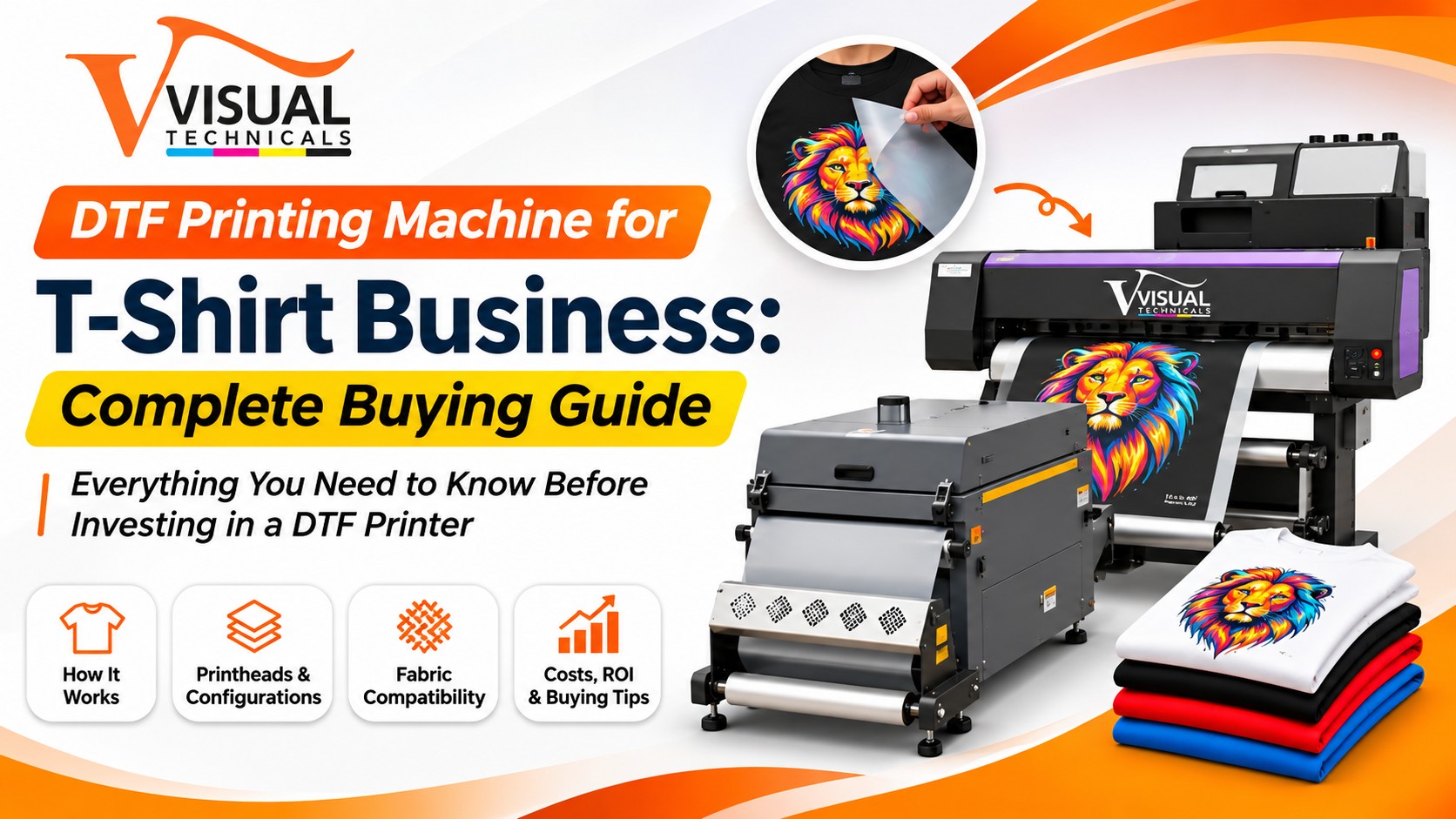
A DTF printing machine is an inkjet system that prints a design onto PET film instead of directly onto the garment. Adhesive powder is added to the wet print, cured, and the design is then heat-pressed onto the fabric. In everyday use, ‘DTF machine’ can mean the printer alone or the whole setup with a powder shaker and curing unit, so always ask exactly what is included.
Compared with other methods, DTF suits short runs and personalised orders because there are no screens to make, and one process can cover many fabrics. The trade-offs are real too: you need film and powder consumables, extra process steps, and the transfer sits on top of the fabric, so the feel differs from a print absorbed into it.
2. How Does DTF Printing Work?
Exact settings vary by film, ink, powder and machine, so treat this as the general sequence rather than a recipe.
- Prepare the artwork. Set up the file in your RIP software, which controls colour, the white-ink layer and print order.
- Print on PET film. The printer lays down colour and a white underbase on the coated side of the film.
- Apply hot-melt powder. Adhesive powder is spread over the wet print and the excess is removed, by hand or with a shaker.
- Cure the powder. It is melted with a curing oven or heater, as the consumable and equipment instructions specify.
- Heat-transfer. The film is pressed onto the garment with a heat press.
- Peel and finish. Depending on the film, this is a hot or cold peel, and some designs need a short finishing press.
Problems that look like printer faults often start in steps three to five, so the whole chain matters when you buy.
3. Main Types and Configurations of DTF Printers
Configurations differ by manufacturer, so use these categories as a checklist and confirm what Visual Technicals actually supplies.
Compact and wider-format printers
Compact machines suit sampling, small orders and testing demand. Wider-format machines handle larger layouts and higher volume. Ask for the working width, head count and published output of the exact model, not just the category.
Printer plus powder shaker, or integrated systems
A separate printer and shaker gives you flexibility. An integrated roll-to-roll system links printing, powdering and sometimes curing, which can reduce handling, but only if the model really includes those functions. Never assume a shaker, dryer, IR curing or fume extraction is included. Get it in writing.
What to verify on the datasheet
- Working width and number of printheads
- Head model and approved inks
- Whether white-ink circulation is built in
- Included shaker, curing unit, RIP software and accessories
- Power requirement, space and ventilation needs
4. XP600 vs Epson i3200: What Should Buyers Compare?
Epson XP600 and i3200-family heads are the two options buyers most often weigh. Neither is automatically better. XP600 is commonly seen in compact, entry-level machines, while the i3200 family is generally positioned for higher-throughput, multi-head setups. That positioning is not a guarantee of print quality or lifespan, and no head has a universal lifespan. Compare like with like:
| Compare | What to ask |
|---|---|
| Exact head variant | Manufacturer, model and approved ink |
| Configuration | Number of heads and channel layout |
| Speed | Published speed at stated pass settings (a figure without the pass setting is not comparable) |
| Resolution and drop data | Values from the official datasheet |
| Serviceability | Trained service, genuine-part availability and lead time |
| Total cost | Head replacement, maintenance and downtime |
A faster head helps only if your orders keep it busy. If your daily volume is modest, a simpler machine you can service quickly may earn more than a faster one waiting for parts. Ask for the head manufacturer’s documentation and test with your own artwork.
5. Key Components: PET Film, Ink, Powder, Shaker and Curing Unit
- PET film: A coated film made for DTF inks. Types differ in peel method (hot or cold) and finish, so use film matched to your ink and powder.
- DTF ink: Usually CMYK plus white. Use inks approved for your printer; white pigment tends to settle if it is not kept agitated.
- Hot-melt powder: The adhesive that bonds the print to the fabric. Grade affects feel and wash performance, and it should be stored dry.
- Powder shaker: Spreads powder evenly and removes the excess. It speeds up repeat work and keeps the area cleaner.
- Curing unit: Melts the powder before transfer. Follow the machine manual for temperature, time and ventilation, since heat and fumes need proper airflow.
- Heat press: Does the final transfer. Even pressure and accurate temperature matter as much as the printer.
- RIP software: Manages colour profiles and white-ink layers. See our RIP software page.
Mismatched consumables can cause problems that are hard to trace, so ask your supplier for a tested combination.
6. Which Fabrics Can Be Printed Using DTF?
DTF is used on many textiles, but results depend on composition, colour, texture and heat tolerance. No machine gives equal results on every fabric.
- Cotton: The usual choice for T-shirts. Check wash durability on your own garment grade.
- Polyester: Works, but heat-sensitive or dark polyester can discolour or show dye migration during pressing, so test temperature and time.
- Blends: Behaviour sits between the two and varies with the ratio.
- Stretch, textured or coated fabrics: Test for cracking, adhesion and hand feel.
Before taking bulk orders, press samples on the actual garments, wash them the way your customer would, and record the settings that work.
7. DTF Printing Costs and Business ROI: What to Calculate
Many buyers search for ‘DTF printer price in India’ first. The honest answer is that price depends on model, width, head configuration, accessories, GST and service terms, so a single number would mislead. We do not publish unverified figures here; request a model-wise quotation instead.
More useful than the sticker price is a simple calculation you can run with your own numbers:
- Initial investment = machine + shaker and curing equipment + heat press + installation + training + accessories
- Variable cost per job = ink + film + powder + garment + electricity + labour + wastage
- Contribution per job = selling price − variable cost
- Monthly contribution = contribution per job × jobs completed per month
- Payback period = initial investment ÷ monthly contribution
DTF printing cost per T-shirt changes with design size, ink coverage (white ink included), film and powder rates and wastage, so measure it from real test prints rather than copying generic figures. Include test prints, consumable and head replacement, downtime and idle days, and use conservative job counts. A machine that sits idle half the month pays back very differently from one running near capacity.
8. Maintenance, White Ink Care and Common Problems
Follow your machine manual first; the routine below is the general idea.
Routine care
- Daily: Run a nozzle check, keep the capping station and wiper clean, and avoid leaving the machine idle for long periods.
- Weekly: Do the cleaning the manual specifies and inspect ink lines and the waste-ink area.
- White ink: It settles over time. Circulation or agitation, where a model has it, helps manage this but does not eliminate clogging, so regular printing and maintenance still matter.
- Consumables: Use approved ink and cleaning fluid, and keep film and powder sealed and dry.
Working in Indian conditions
Humidity, heat, dust and power quality all show up in DTF work. Humid monsoon air can affect film handling and powder behaviour, while dry, hot spells can increase static. Store film and powder sealed, keep the room clean, ground the setup properly and use a stable power supply. Ask the supplier for the manufacturer’s recommended temperature and humidity range rather than relying on a rule of thumb.
Troubleshooting guide
| Problem | Possible causes | What to check |
|---|---|---|
| Banding or missing lines | Clogged nozzles, head height, ink issue | Nozzle check, head cleaning, approved ink |
| Inconsistent white | Settled white ink, weak circulation or agitation | Agitation routine, ink age, maintenance |
| Powder clumps or sticks in the wrong places | Humidity, static, uneven shaking | Storage, grounding, powder application |
| Print peels or cracks after washing | Under-cured powder, wrong press settings, fabric type | Cure time, press temperature, time and pressure, wash test |
| Colour mismatch | Profile or RIP settings | Colour profile, film and ink match |
If a problem repeats, contact support instead of changing many variables at once.
9. How to Choose a DTF Printer in India
- Define your order mix. Small personalised runs or bulk merchandise? This decides the width and speed you need.
- Estimate honest volume. Buy for the orders you have, with some room to grow.
- Request the datasheet for the exact model and check the points from Sections 3 and 4.
- Ask for a demo on your artwork and fabrics, including a wash test.
- Check support: GST invoicing, warranty, installation, training, spare parts and service coverage in your city.
- Compare total cost, not just the machine price.
In practice, a business testing demand may prefer a compact setup, while a shop with steady orders can look at wider, multi-head systems. Whichever you choose, budget for training and consumables from day one.
10. FAQs
1. Is a DTF printer a good choice for a small T-shirt business? It can be, because there are no screens and short runs are practical. You still need film, powder, curing and a heat press, plus regular maintenance, so test demand and run your numbers first.
2. Is XP600 or i3200 better for DTF? Neither wins universally. Compare the exact head variant, approved ink, speed at stated pass settings, service support and total cost for the model you are considering, and weigh it against your daily volume.
3. Do I need a powder shaker? For small volumes you can shake powder by hand, but a shaker gives more consistent coverage and removes excess faster. Check whether a model includes one or sells it separately.
4. How much does a DTF printer cost in India? It depends on the model, width, head setup, included accessories, GST and service terms. Ask for a written, model-wise quotation and compare what is included, not just the headline amount.
5. Can DTF print on cotton and polyester? Yes, DTF is used on both and on blends, but results depend on colour, texture and heat tolerance. Polyester needs extra care with temperature. Test and wash-test your own garments first.
6. Does white ink circulation stop clogging? No. Circulation or agitation helps keep white ink moving and manage settling, but it does not eliminate clogging. Regular printing, cleaning and approved ink still matter.
7. How does Indian humidity affect DTF? High humidity can affect film handling and powder behaviour, while dry air can raise static. Store consumables sealed, keep the area clean, ground the setup and follow the manufacturer’s guidance.
8. How do I work out DTF printing cost per T-shirt? Add ink, film, powder, garment, electricity, labour and wastage for a typical job, using real consumption from test prints. Design size and white-ink coverage change the result.
Planning a DTF Setup? Talk to Visual Technicals
Tell us your garment types, daily volume and budget, and our team can help you compare suitable DTF configurations, share the model datasheet and guide you through a technical consultation.